Your Clients Already Know Something Is Wrong Before You Do
Most service firms find out about problems the same way: a client calls to complain. By then the trust is already cracked. We build automated monitoring and notification systems that watch your operations in real time and alert the right people the moment something deviates — before the client notices.
Book a free workflow audit
The Status Update Is the Most Expensive Call Your Team Takes
A client calls to ask for an update. You stop what you're doing, pull the file, check the current status, write a summary, send it. Fifteen minutes per call. If your team takes 20 of these calls a week, that's five hours of focused work lost to communication overhead — not to doing the work.
The more expensive version of this problem is when the client calls not to ask, but to complain. A deadline was missed. A shipment was delayed. A document wasn't filed on time. By the time the client escalates, the relationship is already under stress. The window for a proactive fix has closed.
The pattern is the same across industries. Law firms where clients don't know where their case stands. Medical practices where patients don't know their appointment status. Logistics operations where customers don't know where the delivery is. The information exists somewhere in your system. Nobody is routing it to the person who needs it.
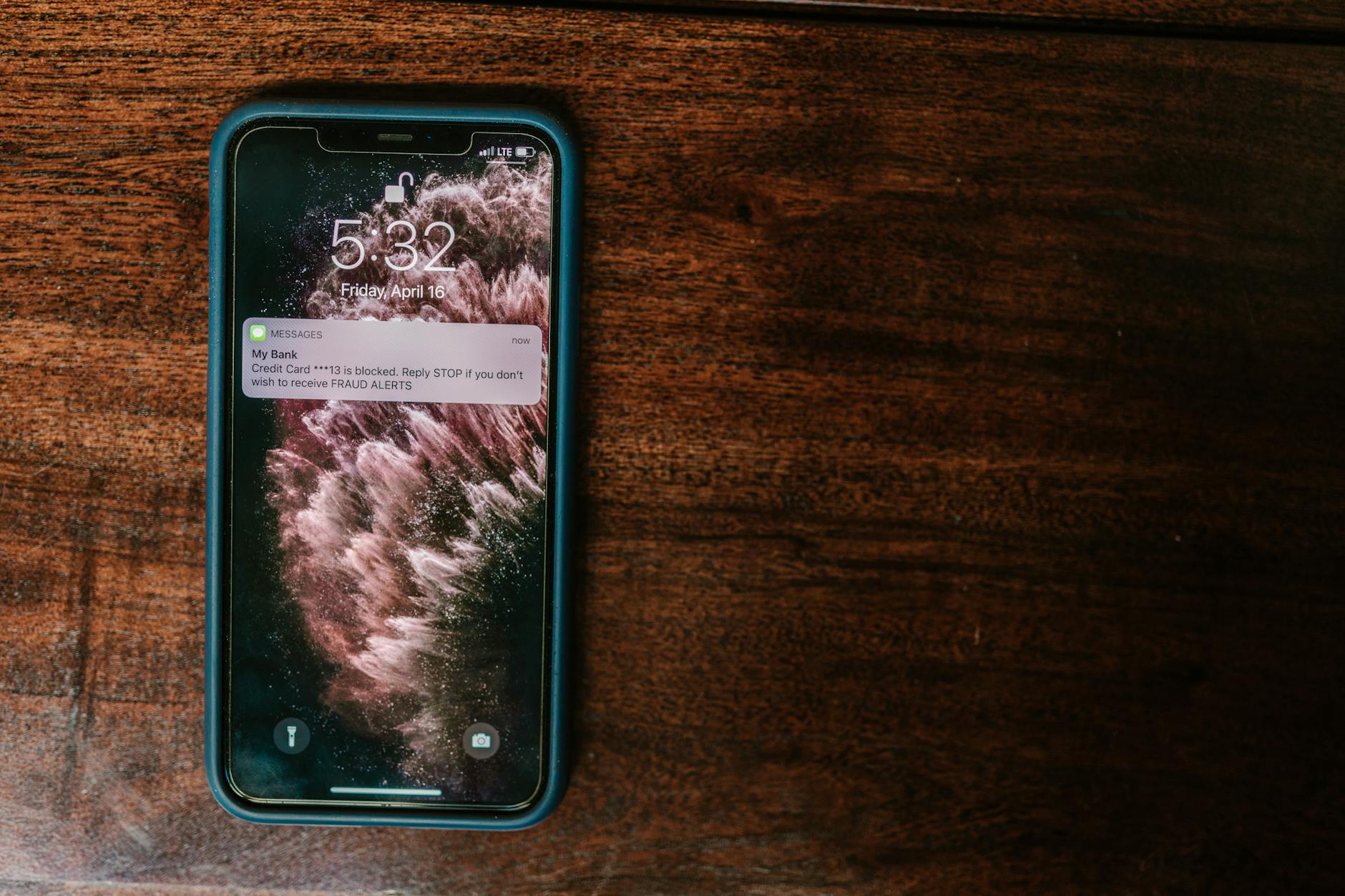
Automated status notifications close the loop automatically. The client gets a message when something happens — not because someone remembered to send it.

How Automated Status Updates Work
- 1
We map your current notification gaps
We identify every point where a client or internal stakeholder should be informed of a status change but isn't. These are the touchpoints where people currently call to ask, or where problems surface too late.
- 2
We connect to your operational data
The system integrates with your existing software — case management, scheduling, logistics platforms, or internal databases — and monitors the fields that indicate status changes relevant to clients.
- 3
We build the notification logic
Each trigger type gets a notification template and a delivery rule: who gets notified, through which channel (email, SMS, or both), and when. Escalation rules send internal alerts if thresholds are crossed — before a client notices.
- 4
Monitoring runs continuously
The system watches your operations around the clock. When a trigger fires, the right notification goes out immediately — not when someone remembers. Your team gets a log of all notifications sent and any escalations that fired.
What Proactive Communication Produces
25%
Client churn reduction
0
Surprise complaints
5 hrs/wk
Update calls eliminated
2–3 wk
Deployment
A services company found out about operational errors the same way every time: a client called to complain. We built a monitoring agent that watches every transaction and operational event. If a delivery runs more than 15 minutes past average, or if a VIP client's conversation starts showing negative sentiment, the agent fires a critical alert to the support team. Client churn dropped 25% in the first quarter. The support team started resolving problems before customers noticed them.
Fixing Problems Before the Client Knows They Exist
A services company found out about operational errors the same way every time: a client called to complain. By then the damage was done — the relationship was already cracked.
We built a monitoring agent that watches every transaction and operational event in their software. If a delivery runs more than 15 minutes past average, or if a VIP client's conversation starts showing negative sentiment, the agent fires a critical alert to the support team.
Client churn dropped 25% in the first quarter. The support team started resolving problems before customers noticed them.
The shift is small but significant: instead of reacting to complaints, they started managing exceptions. The data was always there. Nobody was watching it in real time.
Common Questions
- What kinds of events can trigger a status notification?
- Any change in a data field your system tracks — case status update, appointment confirmation, delivery milestone, document filed, payment received, deadline approaching. We scope the trigger types with you based on what your clients actually need to know.
- What channels can notifications be sent on?
- Email and SMS are the standard channels. WhatsApp Business and in-app notifications are possible depending on your platform. We scope available channels based on what your clients actually use and what your system supports.
- Can we customize what gets reported per client?
- Yes. Notification preferences can be set per client segment or per individual client — frequency, channel, and content. Some clients want every update. Others want a weekly digest. The system handles both.
- How do you handle confidential information in legal or medical contexts?
- Notification content is scoped to what the client already has access to. We do not surface privileged information through notifications. Content is reviewed and approved by your team before any notification templates go live.
- How quickly can this go live?
- 2–3 weeks for most deployments. The timeline depends on how accessible your operational data is and how many notification types you need. Systems that require custom API work on legacy software can take longer — we scope this in the audit.
Ready to build this?
Book a free workflow audit.
30 minutes. We map one of your workflows live and show you what we'd automate, how long it takes, and what the ROI looks like. No pitch deck.
Get started